
You can access your full account/loan number on the Account History screen in the mobile banking app*.
Note: For instructions on how to find your full account/loan number in Online Banking please click here.
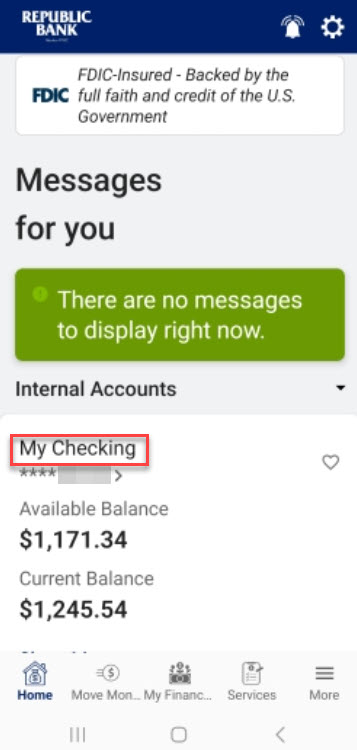
Step 1: Tap on the account/loan card.
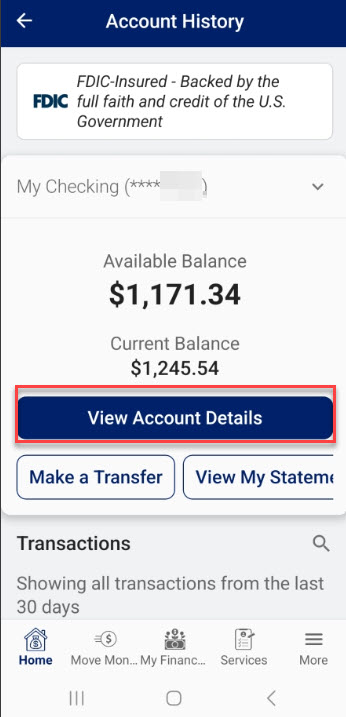
Step 2: Tap on the View Account Details link.
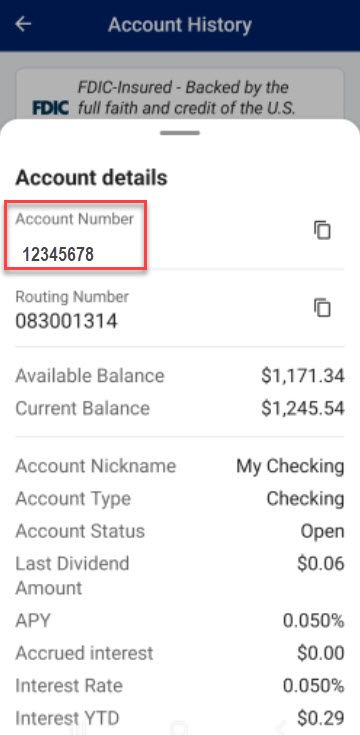
Step 3: Full account number will be displayed at the top of Account Details.
* Message and data rates may apply from your wireless carrier.